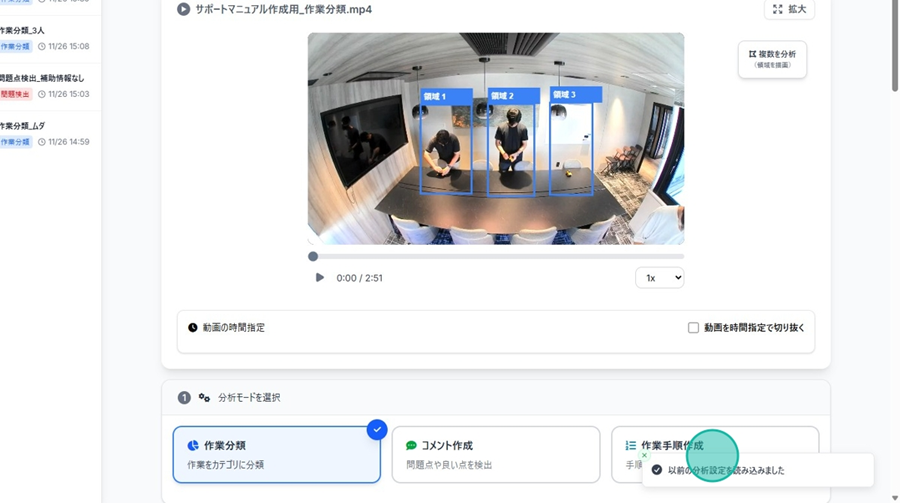
Edit Analysis Result Name
👉 You can change the name of your analysis result.
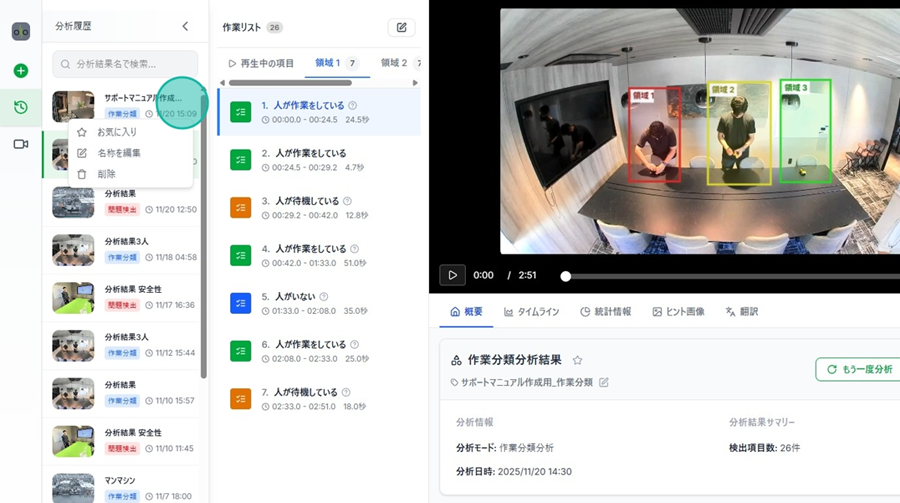
Step 1. Click the "Three-dot menu" next to the analysis name (visible when hovering over an entry in the history).
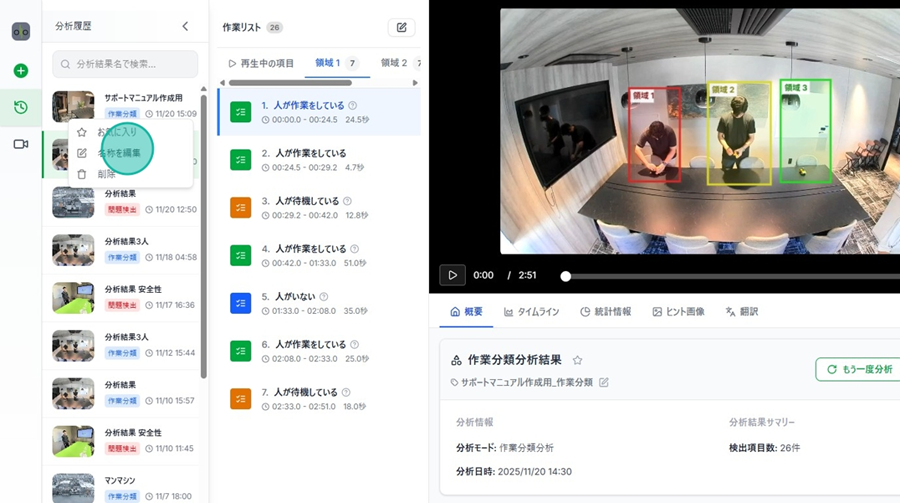
Step 2. Click "Edit Name.”
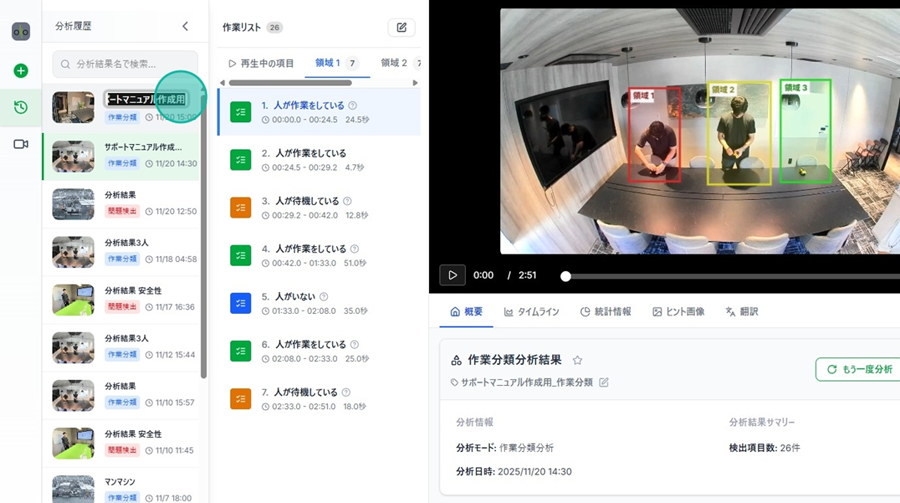
Step 3. Enter the new name and press Enter or click outside the box.
Perform Re-Analysis
👉 You can copy past analysis conditions to run a new analysis with the same settings.
Copying settings from the current result
Step 1. Click "Re-analyze" from the Analysis Overview.
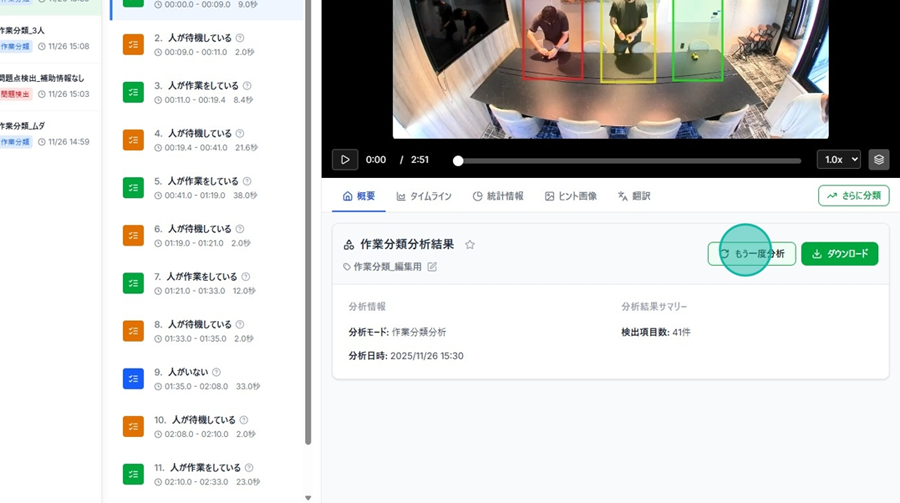
Step 2. When "Previous analysis settings loaded" appears in the bottom right, the setup is complete.